
In this FME and Python course, you will learn how to use Python in various parts of your FME Workbench. A solid understanding of both Python and FME is required.
FME
In this FME and Python course, you will learn how to use Python in various parts of your FME Workbench. A solid understanding of both Python and FME is required.
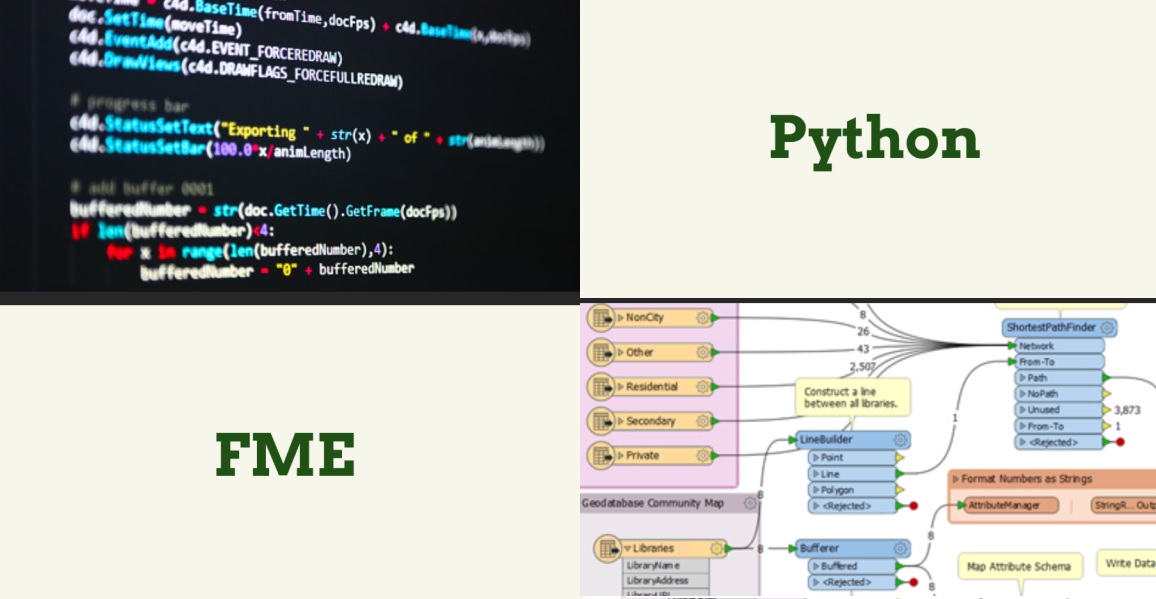
Immerse yourself in the fascinating world of geoinformation and discover how this crucial field contributes to our understanding of the world. In the FME and Python course at Geo-ICT, you’ll learn to harness the powerful synergy between geographic information and programming. This is a unique opportunity to learn how to manipulate, analyze, and visualize data using FME and Python. This will enable you to transform complex geodata into insightful and actionable information.
This knowledge is relevant not only for professionals who work with geodata on a daily basis, but for anyone who wants to understand the impact of geographic information on our daily decision-making and broader society. By combining FME, a leading platform for data integration, with the versatility of Python, one of the most popular programming languages, we open up a world of possibilities for efficiently managing and analyzing geographic information.
In our course, you’ll not only learn the theoretical foundations but also get the chance to apply your skills in practice. This will fully equip you to tackle the challenges and opportunities of modern geoscience. This is your path to mastering geoinformation, where you’ll learn how to use FME and Python to transform geodata into decision-supporting insights.
Some prior knowledge of Python & FME is recommended for this course; if you don’t have that, the Python basics course and/or the FME Desktop basics course might be right for you!
Python plays a critical role in the world of Geo-ICT, primarily due to its versatility and broad applicability in data analysis and processing. In the FME and Python course offered by Geo-ICT, you’ll discover how Python opens the door to advanced geodata analysis and manipulation. This programming language, combined with FME, enables you to:
In this course, you will learn, among other things:
Python’s role in Geo-ICT should not be underestimated. It provides the tools to perform complex data analysis, recognize patterns, and support decisions with accurate geodata. With this knowledge, you will be able to tackle the challenges of modern geoinformation projects and offer innovative solutions.
FME plays a central role in the world of geoinformation due to its powerful capabilities for data integration and transformation. This tool provides an essential link between different data formats and systems, allowing you to work more efficiently with complex geodata. The use of FME within Geo-ICT enables professionals to:
By integrating FME into your Geo-ICT work, you can:
FME bridges the gap between the complex world of geodata and its practical applications across various fields. With this tool, you can unlock the full potential of your data—something that is essential in an era where data drives decision-making and innovation.
Being able to independently write startup and shutdown scripts in FME using Python is a powerful skill that significantly improves the efficiency and functionality of your data processing. These scripts allow you to automate your workflows, so that you can:
In this course, you’ll learn how to effectively implement these scripts. You’ll work through practical examples that show you how to:
These skills are essential for anyone working with geodata and geoinformation, as they enable you to streamline and optimize complex data processing workflows—whether you’re preparing data for analysis, visualizing results, or converting datasets between different formats. Mastering startup and shutdown scripts in Python within FME gives you the tools to perform these tasks more efficiently.
The PythonCaller Transformer in FME is a powerful tool for anyone working with geoinformation. This transformer allows you to integrate Python scripts directly into your FME workflows. This offers several advantages:
By using PythonCaller, you can:
The integration of Python into FME via the PythonCaller Transformer opens new doors for automating and refining your data processing workflows. This makes your work with geospatial data more efficient and effective.
Scripting parameters with Python in FME is an essential skill that enables you to refine and customize your data flows. This technique allows you to:
Scripting parameters makes your workflows more flexible and powerful by allowing you to automate and personalize data processing. This is particularly valuable in scenarios where the processing logic needs to vary depending on the input or other variables.
Integrating Python into FME offers countless practical applications for professionals working with geoinformation. This powerful duo enables you to automate and customize complex data processing tasks, allowing you to work more efficiently and effectively. Some examples of what you can achieve include advanced data analysis, automation of routine tasks, and the creation of custom transformations tailored to your specific needs. By mastering these techniques, you enhance your ability to manipulate geodata and generate insights that can guide decision-making.
Choosing our FME and Python course offers you a unique opportunity to dive into the world of geoinformation with the power of programming. This combination is essential for anyone who wants to understand and manipulate data in a way that makes an impact. Our course stands out because of:
These aspects ensure that you not only learn the technical skills but also understand how to apply them in your work or studies.
On the first day of the course, you will learn the first two methods for using Python in your FME Workbench: PythonCaller and running a Python script at startup. You will get hands-on experience with these methods through various exercises.
On the second day of the course, you will learn the other two methods for using Python in your FME Workbench: running a Python script on exit and when using your parameters. You will practice these methods through various exercises.

Do you have questions about the course content? Or are you unsure whether the course aligns with your learning goals or preferences? Would you prefer an in-house or private course? We’d be happy to help.
In the FME Python Course, you'll learn how to integrate Python into FME, including how to use the PythonCaller Transformer and how to script parameters.
Yes, the course is designed for both beginners and experienced users who want to expand their knowledge of Python in FME.
The course is a two-day training program, ideal for an intensive learning experience.
Yes, in addition to courses, Geo-ICT also offers internships and study opportunities for those just starting out in the geosector.
You can register directly using the registration widget (on the right side of the desktop version and at the top of the mobile version) or by contacting us at info@geo-ict.nl.
Yes, upon completion of the course, you will receive a certificate of completion from the Geo-ICT Training Center.
Prior knowledge of both Python and FME is recommended for this course, but not required.
The learning objectives include writing startup and shutdown scripts independently, using the PythonCaller Transformer, scripting parameters, and gaining full proficiency in the four ways to use Python in FME.
The course lasts two days. On the first day, you’ll learn about PythonCaller and how to run a Python script at startup. The second day focuses on additional applications and practical exercises.
Yes, after the course, you can continue to ask the instructor questions via email for another two weeks.
