QGIS Maxar Course

Everything about QGIS

In the QGIS Maxar course, you’ll learn step-by-step how to work with highly detailed, up-to-date satellite imagery from Maxar within QGIS. Discover how to use professional Earth observation data to analyze landscapes, accurately map changes, and create high-quality visualizations. No experience required—just immediate, visible results.

Course duration: 2 days
Nederlands

Introduction to QGIS and Maxar

Would you like to learn how to use highly detailed satellite imagery to gain in-depth insights into our planet? In this course, you’ll learn how to use QGIS and Maxar satellite imagery to independently work with high-quality Earth observation data and perform geographic analyses.

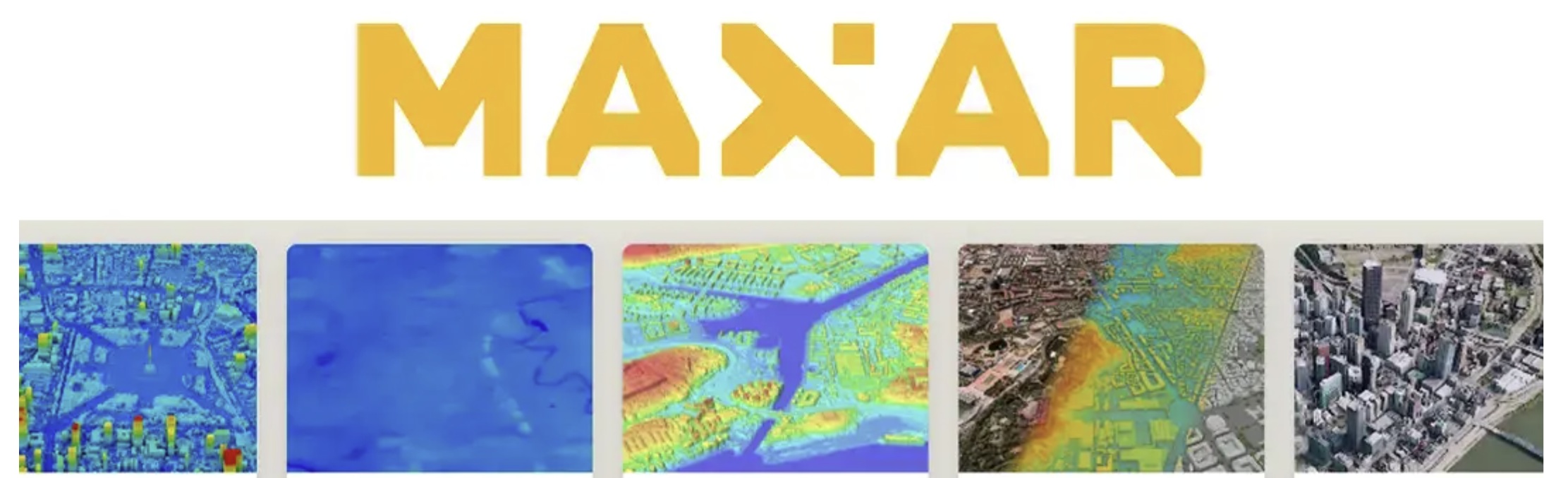
QGIS Maxar preview

QGIS (Quantum GIS) is a powerful, open-source program used worldwide to view, analyze, and visualize geographic information—such as aerial photos, elevation maps, and vector files. In this course, you’ll discover how to use QGIS to create accurate maps and reveal spatial patterns based on commercial satellite imagery.

Maxar is a leading provider of very high-resolution satellite data. The imagery is used worldwide for applications including spatial planning, monitoring, infrastructure, environmental analysis, and security. In this course, you will learn how to add Maxar imagery to QGIS, visualize it correctly, and apply it for analysis and map production.

By combining QGIS and Maxar, you’ll work with a professional GIS workflow that provides you with immediate, up-to-date, and visually compelling insights into changes on Earth. Whether you’re working on urban analysis, landscape change, education, or research—you’ll learn how to turn high-quality imagery into compelling maps and analyses.

You’ll work with QGIS as open-source software and with professional satellite imagery, at your own pace and with immediate results. Practical, accessible, and substantive—even if you have no prior experience with satellite data.

Please note! Knowledge of QGIS is required for this course! If you don’t have it, we recommend the QGIS Basic Course!

What you’ll learn in the QGIS Maxar course

In this course, you’ll learn step by step how to convert high-resolution satellite imagery into clear and actionable geographic analyses.

You’ll start with the basics: how to add Maxar imagery to QGIS, position it correctly, and visualize it optimally. You’ll learn how to combine different layers, interpret data, and create maps that provide immediate insight into spatial developments.

Next, you’ll delve deeper into image analysis and interpretation. You’ll learn how to identify and analyze changes in land use, urban growth, infrastructure, and landscape. You’ll work with raster data, visual interpretation, and image comparison over time.

Whether you’re involved in spatial analysis, monitoring, or simply curious about what you can do with professional satellite imagery—this course gives you the tools to turn raw imagery into meaningful insights.
In short: no prior knowledge required, with clear explanations, practical assignments, and realistic examples.

Why choose the QGIS Maxar course

This course offers a unique combination of open-source GIS software and professional satellite data. While many training courses focus on theory or open datasets, here you’ll learn to work with imagery that professionals actually use in the field.

You’ll learn:

  • How to work with Maxar satellite imagery in QGIS
  • How to visualize changes in landscapes and urban environments
  • How to apply raster and vector analysis to high-resolution data
  • And how to translate these insights into clear maps and visualizations

The course is designed for practical and visual learning. Everything is explained step by step, without requiring complex prior knowledge or expensive software.

Whether you want to deepen your GIS skills, learn to work professionally with satellite imagery, or are simply curious about the power of high-resolution data—this course will give you the knowledge, tools, and inspiration to get started.

Who is this course for?

This course is intended for anyone who wants to discover what you can do with professional satellite imagery and geodata. Do you work in urban planning, the environment, infrastructure, education, or research? Or do you simply want to learn how to analyze the Earth in detail from space? Then this course is for you.

No prior experience with satellite data is required. The course is practical, accessible, and hands-on. You’ll learn step-by-step how to use Maxar imagery to create reliable, visually compelling maps and analyses.

Do you already have experience with QGIS and want to work with high-resolution satellite imagery? Then this course offers in-depth knowledge and professional development. You’ll discover how to use Maxar data to tell current and compelling geographic stories.

Read more

Enroll

€1095,- (VAT included)
  • Course duration: 2 days
Register for this course

QGIS Maxar Daily Schedule

Day 1 – The Basics of QGIS and Spatial Data

The first day is all about getting acquainted with QGIS and the world of geographic data. You’ll learn how QGIS is structured, how to work with layers, projections, and different types of data—from vector files to aerial photos. We’ll explore how to build maps, apply symbology, and perform analyses using simple spatial tools. Step by step, you’ll learn how to make geographic information accessible: you’ll create your own map, add datasets, and discover how QGIS brings data to life visually. The day concludes with a brief introduction to remote sensing: what is satellite data, how does it differ from regular maps, and why is Copernicus such a valuable resource?

Day 2 – Working with Maxar Open Data

On the second day, we’ll delve deeper into the use of Maxar satellite imagery within QGIS. You’ll learn how to import Maxar data into QGIS and how to properly visualize and interpret these images within a GIS environment.

Next, you’ll get to work with image interpretation, color settings, and raster analysis to gain insights into land use, urban structures, and changes in the landscape. You’ll learn how to identify details in high-resolution satellite images and how to combine different datasets to create a comprehensive spatial picture.

You’ll discover how to analyze patterns—from urban expansion and infrastructure to changes in nature and built-up areas—and how to translate these into clear maps. You’ll then learn how to present your results clearly in map products and simple reports.

The day ends with a practical exercise in which you analyze a current Maxar dataset and convert it into a professional map product that is immediately applicable for research, spatial planning, or policy analysis.

Course duration: 2 dagen
Sign me up

Learning Objectives for QGIS Maxar

  • Working with Maxar Open Data | You’ll learn where to find, download, and integrate free satellite data into QGIS.
  • Analyzing satellite imagery | You’ll discover how to analyze land surfaces, vegetation, water, and urban areas using raster and band composites.
  • Visualizing spatial changes | You’ll learn how to visualize changes over time using color composites, time series, and map visualizations.
  • Translating data into insights | You will apply your analyses to create clear maps and reports that communicate geographic patterns, trends, and environmental processes.

Want to know more?

Do you have questions about the course content? Or are you unsure whether the course aligns with your learning goals or preferences? Would you prefer an in-house or private course? We’d be happy to help.

Other courses

Frequently Asked Questions About the QGIS Maxar Course

No. The course is designed so that you can join without any prior knowledge. A basic understanding of QGIS is helpful, but not required. Everything is explained step by step, with plenty of practical examples.

Maxar provides very high-resolution satellite imagery. This allows you to see much more detail, such as individual buildings, infrastructure, and small changes in the landscape. This makes this data particularly well-suited for professional analyses and map products.

Yes. During the course, you will work with up-to-date Maxar satellite imagery that is also used in real-world applications for spatial planning, monitoring, and analysis. You will learn how to apply this data directly within QGIS.

Maxar and Copernicus differ primarily in terms of resolution, availability, and application. Copernicus (which includes the Sentinel satellites) offers freely accessible data with lower spatial resolution, suitable for large-scale analyses such as climate, vegetation, and water monitoring.
Maxar provides commercial satellite imagery with very high resolution, allowing you to see much more detail, such as individual buildings and infrastructure. As a result, Maxar data is better suited for detailed spatial analyses, urban applications, and professional mapping products.

Yes, prior knowledge of QGIS is required to successfully complete this course. If you do not have this knowledge, we recommend taking the QGIS basics course.
